← Back to all applications

The visual weekly schedule at the heart of GIRAF. Caregivers build a child’s day and week from pictograms, so the child can see what is happening, in what order, and when. Each activity can carry a start and end time, a title, a pictogram, and a completion toggle the child ticks off as the day progresses. “Choice activities” let a child pick between options when a task allows it.

Schedules are managed per child or per class, across organisations. Users, citizens and pictograms come from the shared giraf-core service; pictograms can also be generated through giraf-ai.

Screenshots
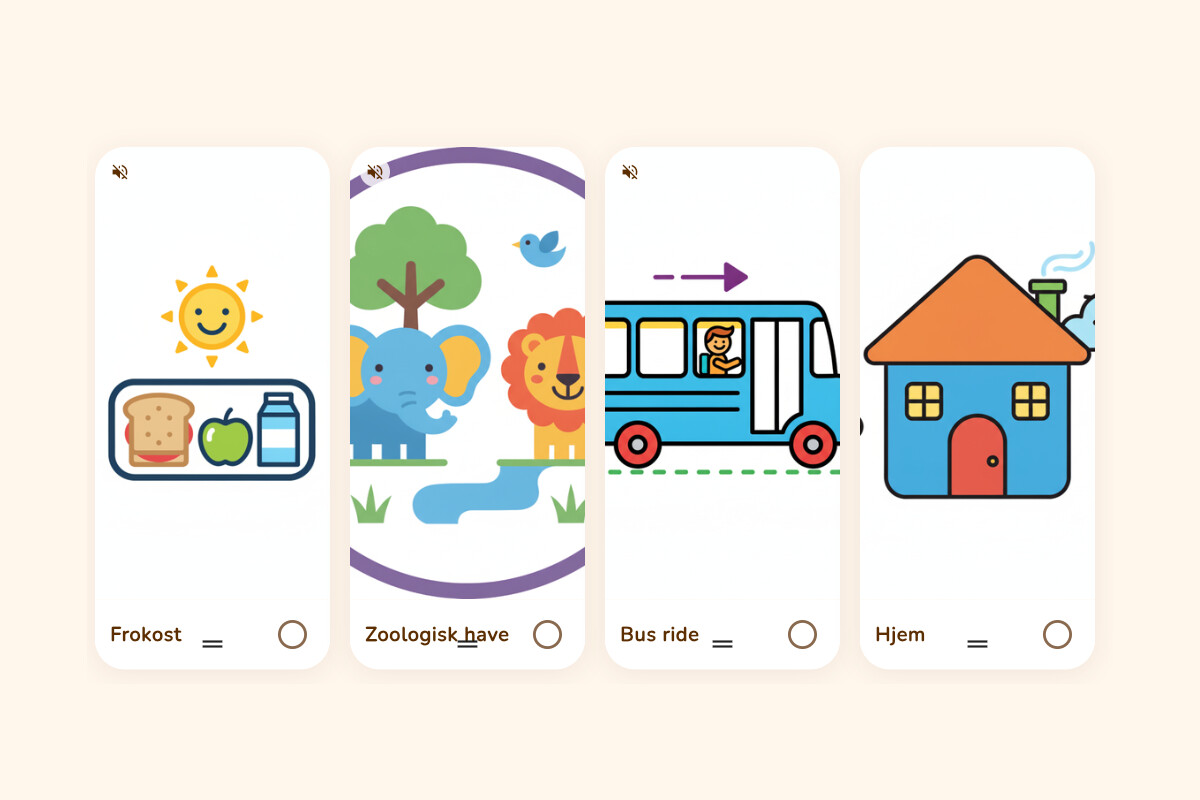
Four pictogram activity cards in a row: lunch, the zoo, a bus ride and home, each with a picture and a tick circle to mark it done
A child's day: each activity is a pictogram card they can check off.
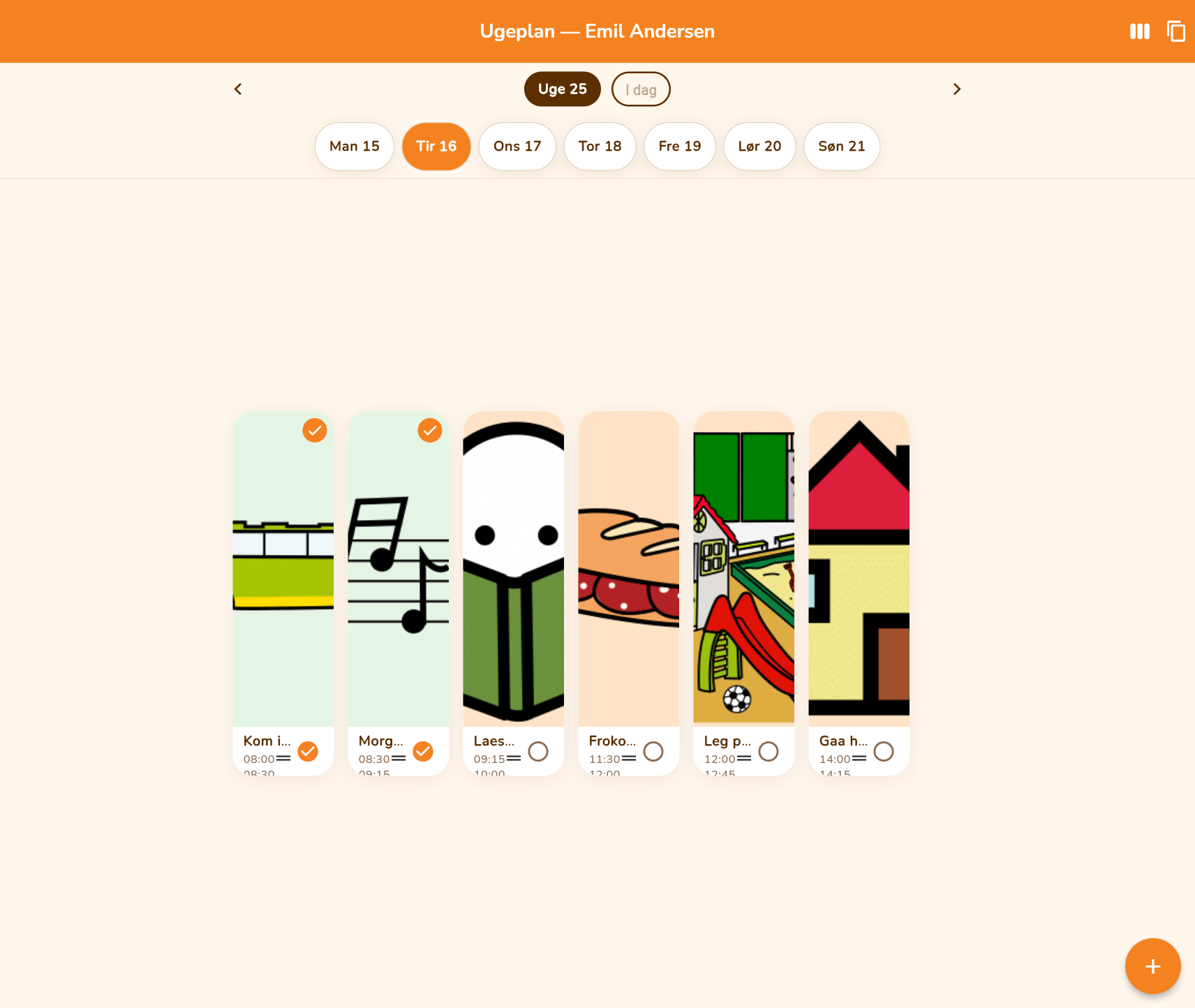
A day plan of pictogram activity cards with times, the first two completed
The day view with times, the first two activities ticked off.
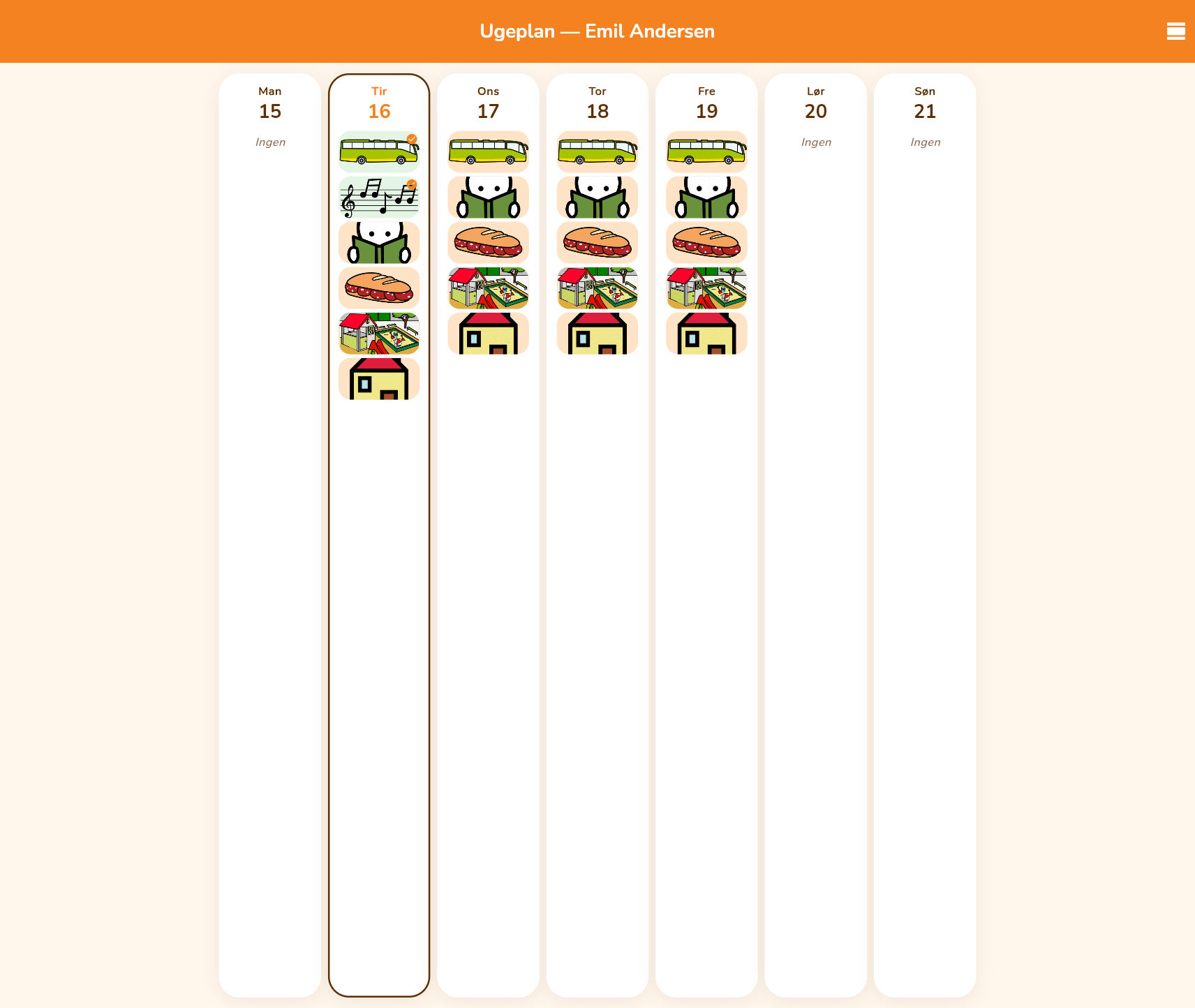
Week overview with all seven days side by side
The week overview: a calm look at the whole week at a glance.
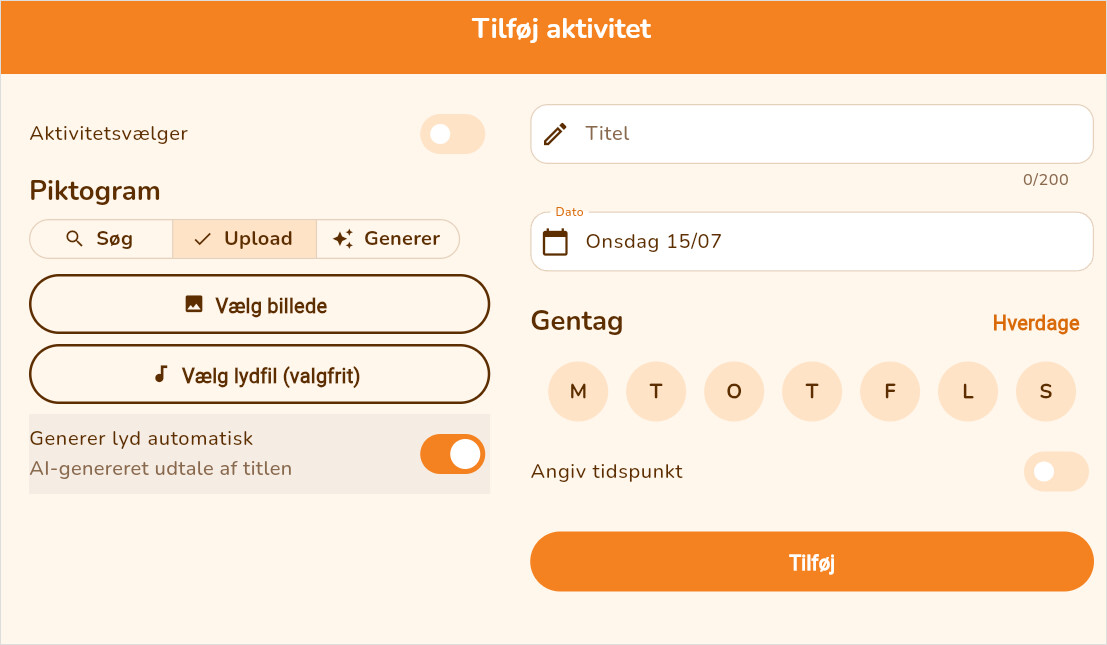
Add-activity form with pictogram search, upload and AI generation
Adding an activity: search the pictogram library, upload an image, or generate one with AI. The spoken title can be generated too.
GIRAF Ugeplan login screen
Signing in to GIRAF Ugeplan.

Technology

Flutter (iOS/Android/Web) + ASP.NET API + PostgreSQL, with JWT authentication via giraf-core.

Repository: weekplanner